
An FAQ section typically contains a list of questions and their corresponding answers.
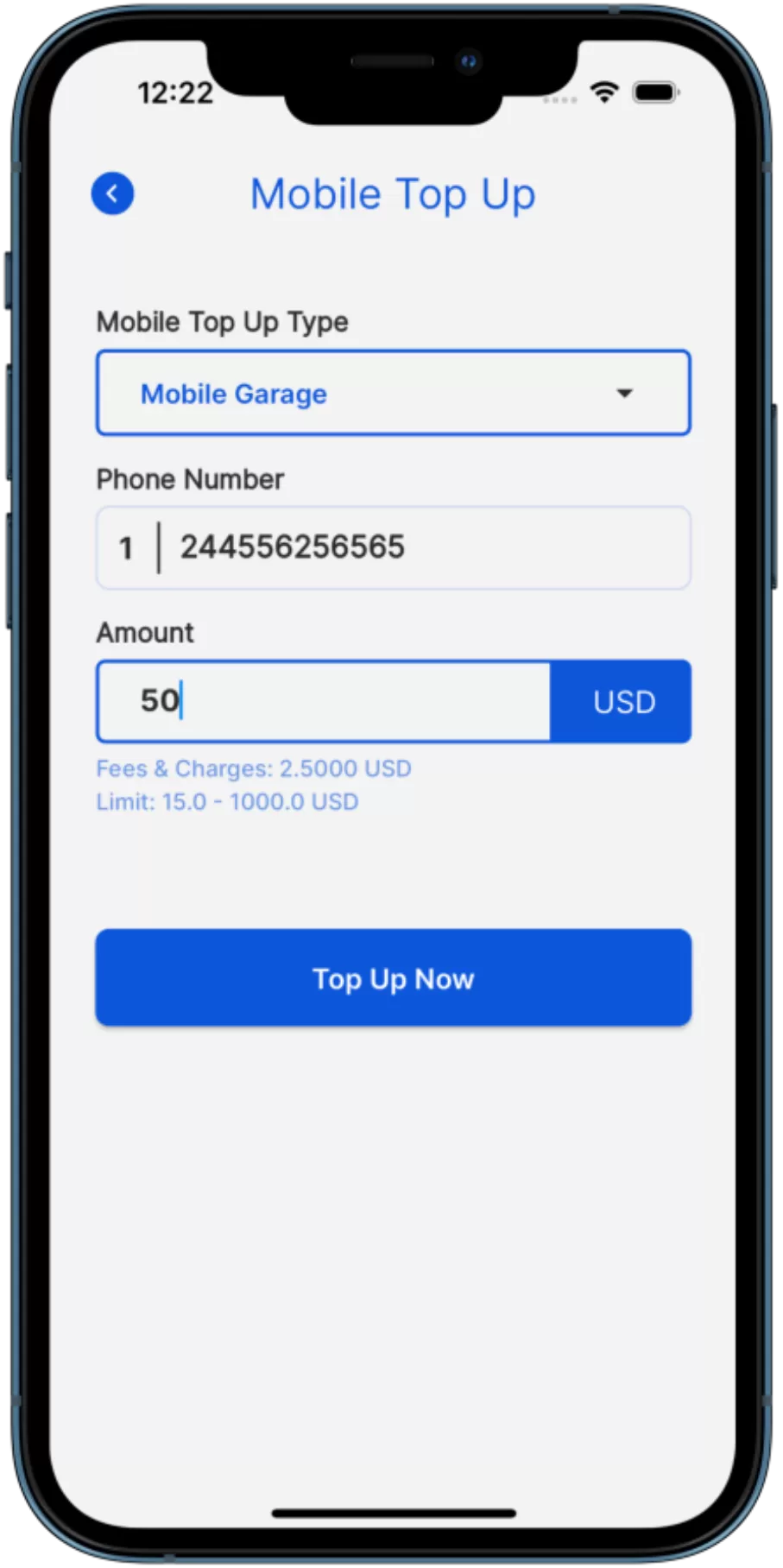
Simply log in to your QRPay account, select the 'Mobile Top-Up' option, enter your mobile number, choose your carrier, and select the amount to top up.
QRPay supports a wide range of local and international carriers. You can check the list of supported carriers within the app or on the QRPay website.
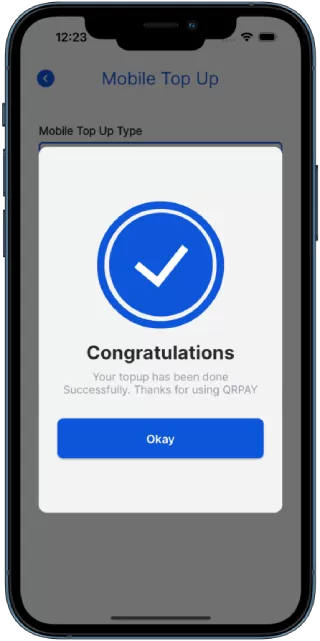
Most mobile top-ups are processed instantly, but the exact time may vary depending on the carrier and country.
Yes, you can easily top up another person’s mobile by entering their phone number and choosing the appropriate carrier and amount.
QRPay may charge a small processing fee for mobile top-ups, depending on the carrier and region. The fee will be shown before you confirm the transaction.
If your top-up fails, double-check the information you provided. If the issue persists, contact QRPay customer support for assistance.
Copyright © 2023 QRpay. All Rights Reserved.